Description
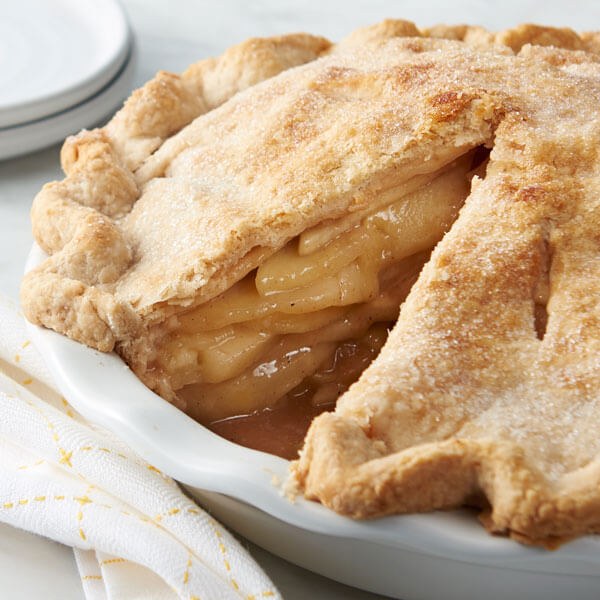
This is a recipe for an apple pie, which is a seemingly generic but household classic, especially around the holiday season. It consists of a pie crust filled with cinnamon-covered sliced apples. Needless to say, it is a one way ticket to Flavor Town. Hot or cold, with or without extra toppings or desserts, the apple pie does not disappoint.
Ingredients
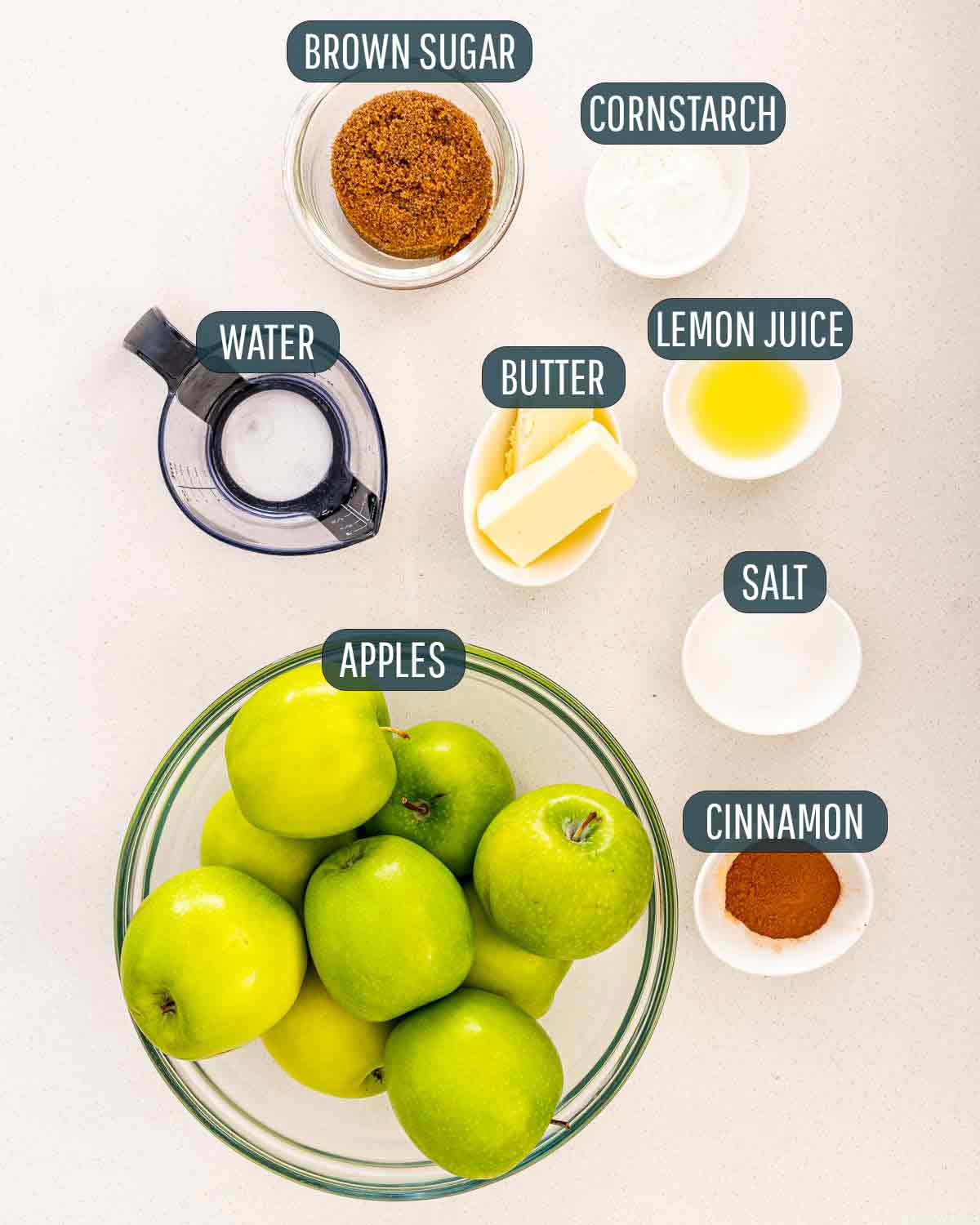
- 1 box (14.1 oz) refrigerated Pillsbury™ Pie Crusts (2 Count), softened as directed on box
- 6 cups thinly sliced, peeled apples (6 medium)
- 3/4 cup sugar
- 2 tablespoons all-purpose flour
- 3/4 teaspoon ground cinnamon
- 1/4 teaspoon salt
- 1/8 teaspoon ground nutmeg
- 1 tablespoon lemon juice
Instructions
- Heat oven to 425°F. Place 1 pie crust in an ungreased 9-inch glass pie plate. Press firmly against side and bottom.
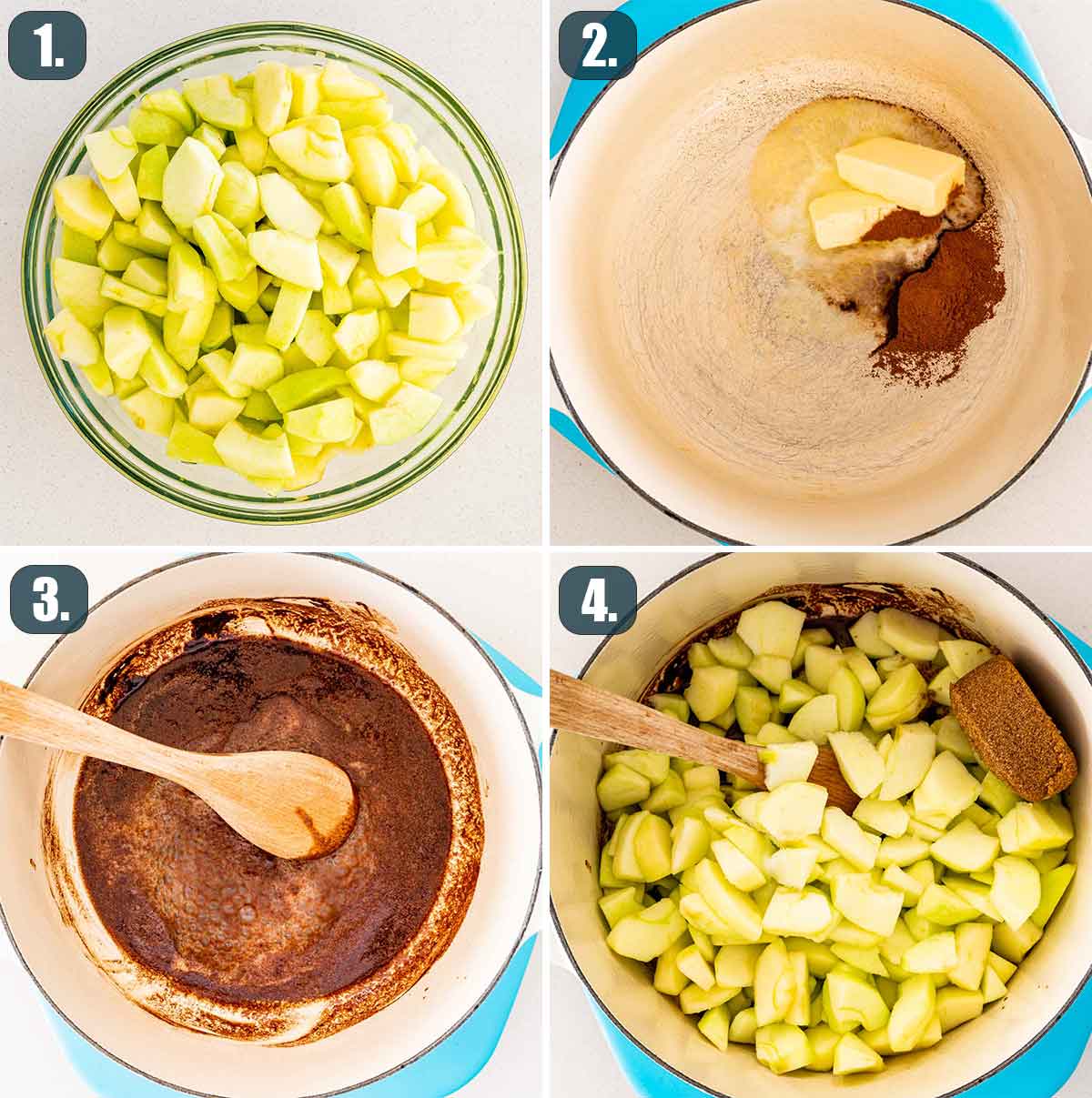
- In a large bowl, gently mix filling ingredients; spoon into crust-lined pie plate. Top with second crust. Wrap excess top crust under bottom crust edge, pressing edges together to seal; flute. Cut slits or shapes in several places in the top crust.
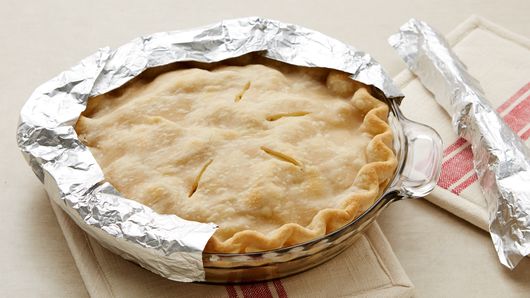
- Bake for 40 to 45 minutes or until the apples are tender and the crust is golden brown. Cover the edge of the crust with 2- to 3-inch wide strips of foil after the first 15 to 20 minutes of baking to prevent excessive browning. Cool on the cooling rack at least 2 hours before serving.
Source Attribution
This recipe is from Pillsbury™.
Recipe Website Examples
AllRecipes
The AllRecipes website immediately displays a video that briefly goes over how to make the dish that is clicked on. There are detailed verbal explanations of the ingredients and making process that someone can follow along with as well as the written-out instructions. The added aspect of timing credentials and serving sizes as some of the first bits of information is also helpful because it allows users to know if they have the time and capacity to make the dish in question.
Food Network
The Food Network website does a nice job of keeping the information concise, as the ingredients and directions are on the same level under the image of the food. The ingredients are automatically added to a shopping list which is linked to various grocery delivery services in case viewers need to order something. This site too includes timing as well as the level of difficulty associated with each dish.
Yummly
The Yummly website gives prominence to the nutrition facts of the dish, as there are clickable prompts for brief and more extensive health information. A key difference too is that the grocery services that can be accessed for getting ingredients are more readily apparent.
Website Examples
Basic®
The interface of the Basic® website is very fluid and displays the information well. There is a balanced combination of words and moving imagery, but the text clearly conveys what a particular section is talking about.
Netamorphosis
The Netamorphosis website centralizes much of its text, and the wide margins help viewers to focus on what the text says, which is already labeled clearly. The images take up more of the screen space, which balances out the white/blank spaces in the margins. The website also uses icons for certain sections for a quick understanding of what the sections are; granted, some icons seem more related than others.
Urby
The Urby website wastes no time letting viewers know what their website and business are about. The minimal color palette blends well with the earthy tones of the images, and the bold text draws viewers to each section. This site too uses icons, but the majority of them seem a lot clearer than Netamorphosis.